Taplio isn’t a bad tool. But it’s not the right tool for everyone.
While using Taplio, I’ve come across a few limitations: monthly costs that add up fast, automation features that make me nervous about account safety, and AI-generated content that sounds more like a LinkedIn AI bot than my actual voice.
If you’re reading this, you’re probably feeling at least one of those pain points. You want a LinkedIn tool that helps you grow without the constant worry about whether you’re overpaying or one automation away from a platform warning.
This list includes the 9 best Taplio alternatives that are safer, more affordable, or better suited for creators who want to sound like themselves.
Let’s find the one that fits your workflow.
Top 9 Taplio Alternatives
After testing 20+ LinkedIn tools, I’ve narrowed it down to these 9 alternatives. Each solves specific problems Taplio users face.
1. FeedBoss – The LinkedIn tool you didn’t know you needed until now
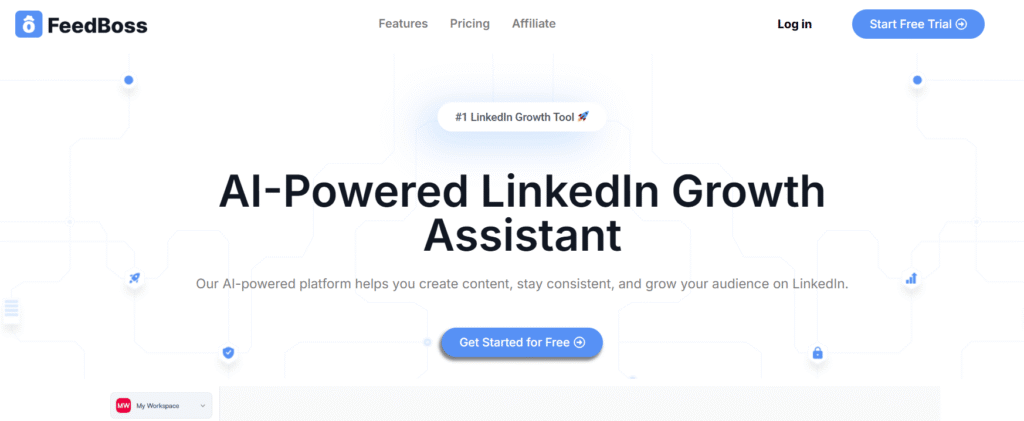
It’s built for creators who want to grow on LinkedIn without overpaying or overcomplicating things.
FeedBoss offers straightforward monthly and yearly plans with a single credit pool covering posts, carousels and images rather than a separate meter per feature. Connect your own OpenAI or Gemini key and generation stops being metered at all.
But here’s the thing: it’s not a basic tool trying to compete on price alone. You get AI post generation with voice training built from your own top-performing posts.
It also keeps learning after that, and it does it from a signal most tools throw away: the difference between the draft it wrote and the post you actually published. Strip the hashtags out twice and it stops adding them. Pick the same kind of opener three times and that becomes the default. A correction you make twice becomes a rule, and you can open the settings and see the list of rules it has inferred, pause any of them, or delete one for good.
The carousel maker includes templates, an editor, and AI assistance-eliminating the need for external design tools. Content repurposing turns your YouTube videos, blogs, and PDFs into LinkedIn posts without starting from scratch.
The viral post database grows daily, giving you fresh inspiration when you’re stuck. Bulk scheduling lets you plan weeks of content in one session. And the engagement tools-custom lists plus AI-powered comments-are included in every plan, not locked behind premium tiers.
The analytics dashboard tracks follower growth and engagement trends, so you can see what’s working. Publishing runs through LinkedIn’s official API, so FeedBoss never asks for your password or your session cookie.
Best suited for: Creators, founders, and marketers who want serious LinkedIn growth tools without the subscription fatigue.
Key Features
Here’s what you get with FeedBoss right out of the box:
- AI Post Generator – Posts that match your writing style, unmetered on your own API key
- Learns from your edits – Reads the delta between its draft and what you published, so a correction made twice becomes a rule
- Carousel Maker – Built-in templates, editor, and AI to create scroll-stopping carousels
- Content Repurposing – Turn YouTube videos, blogs, and PDFs into LinkedIn posts
- Viral Post Database – Fresh inspiration added daily
- Bulk Scheduling – Plan weeks of content in one sitting
- Engagement Tools – Custom lists and AI-powered comments included in every plan
- Multi-user Access – Great for teams without the agency price tag
Why FeedBoss Is the Better Taplio Alternative
People leave Taplio for specific reasons. FeedBoss solves them all:
1. Unlimited on your own key, one pool if not
Taplio meters AI usage with credits, and running out mid-month means paying more or waiting. There is no way out of the meter.
FeedBoss gives you AI posts, carousels, and repurposing from one shared monthly pool, so a busy month does not mean a separate bill per feature. And if you would rather not think about credits at all, connect your own OpenAI or Gemini key: generation on your own key is not metered, so the ceiling comes off entirely.
2. Publishing runs on the official API
The risky part of any LinkedIn tool is how it connects. Tools that ask for your session cookie, or that drive the LinkedIn interface from inside your logged-in browser, are the ones that draw enforcement.
FeedBoss publishes through LinkedIn’s official API over OAuth. It never asks for your password or your session cookie, and the web app never drives the LinkedIn interface on your behalf.
3. Everything Included, Not Paywalled
Taplio locks features behind higher tiers. Want engagement tools? Upgrade. Need analytics? Pay more.
FeedBoss includes a carousel maker, engagement tools, and analytics in every plan. Even the $29 starter tier gets you content creation, repurposing, and scheduling.
4. Built for Real Creators, Not Data Scientists
Taplio feels like a data dashboard that happens to post content.
FeedBoss is built for creators who want to show up, post great content, and grow-without needing a PhD in analytics.
5. Better Value for Your Money
Taplio costs $39–$199 every month with credit limits and feature restrictions.
FeedBoss starts at $29/month with 1,000 AI credits covering posts, carousels, and images. Or save 20% with yearly billing-$278/year vs Taplio’s $468/year minimum.
Pros
What makes FeedBoss worth considering:
- Affordable monthly and yearly plans
- One credit pool across posts, carousels, and images, or bring your own key and drop the meter
- Learns and adapts to your voice
- Built-in carousel maker saves hours
- Publishes through the official LinkedIn API
- Multiple premium templates included
- Free onboarding support
Cons
A few limitations to keep in mind:
- No mobile app (but the website works as an installed app)
- Limited analytics compared to pricier tools
Pricing
FeedBoss offers three plans with monthly and yearly options:
Creator – $29/month or $278/year:
- 1,000 AI credits / month across posts, carousels, and images
- 1 workspace, 1 team member, 1 LinkedIn account
- 5 LinkedIn Profile Audits / month
- 10 tracked engagement profiles, 25 GB media storage
- Knowledge Base and image generation up to 2K
Pro – $59/month or $566/year:
- Everything in Creator
- 3,000 AI credits / month
- 5 workspaces, 2 team members, 5 LinkedIn accounts
- 15 LinkedIn Profile Audits / month
- 30 tracked engagement profiles, 100 GB media storage
- Premium image templates and AI Video Studio
Studio – $149/month or $1,430/year:
- Everything in Pro
- 8,000 AI credits / month
- 10 workspaces, 10 team members, 10 LinkedIn accounts
- 25 LinkedIn Profile Audits / month
- 60 tracked engagement profiles, 500 GB media storage
- 4K image generation, Lead Magnets, Authority Map, post approval workflow, priority support, API access
7-day free trial available for all tiers
That is the full lineup. Every tier starts on a 7-day trial.
Start growing freeNo credit card required.
2. Supergrow – LinkedIn platform built for creators who want to grow safely, consistently, and authentically
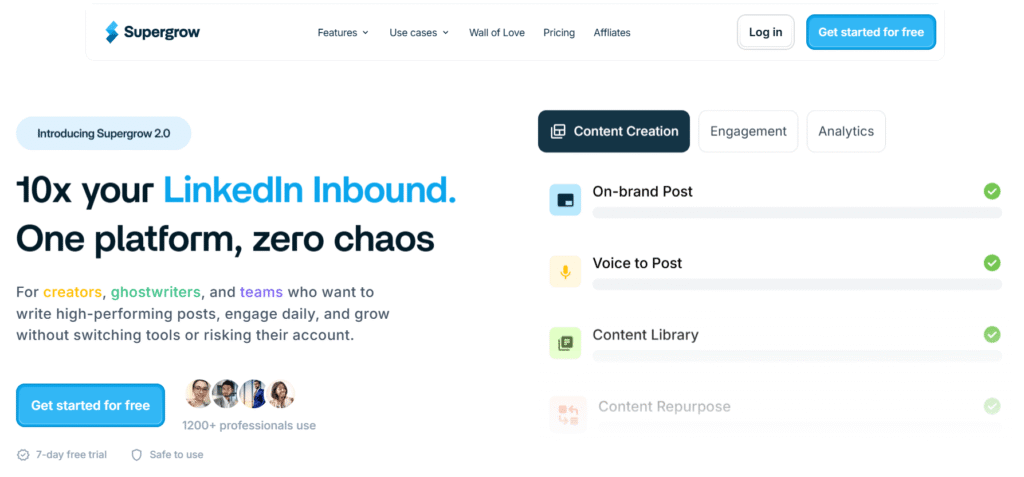
How a tool connects to LinkedIn matters. Anything that asks for your session cookie, or that drives the LinkedIn interface from inside your logged-in browser, is operating in the area LinkedIn enforces against most actively.
Supergrow publishes through the API rather than through your browser session, and says so publicly.
The AI learns your writing style through its Personal Writing Styles feature. Feed it your past posts, and it picks up your tone, structure, and phrasing. When you generate content, it doesn’t sound like a template. It sounds like you wrote it.
The first comment scheduler is smart. It lets you post your main content, then drops a separate comment with your CTA or extra info. This keeps your post clean while still boosting engagement-LinkedIn’s algorithm loves early comment activity.
Best suited for: Solopreneurs, ghostwriters managing client accounts, and creators who want a clean, focused tool without the bloat.
Key Features
Supergrow packs these essential features for LinkedIn creators:
- AI Post Generator – Trained on your voice and tone
- Content Calendar & Kanban Board – Visual planning and drag-and-drop workflow
- Carousel Maker – Create branded carousels without leaving the platform
- First-Comment Scheduler – Boost reach by scheduling CTAs and value-adds
- Voice-to-Post – Speak your thoughts, get publish-ready content
- Swipe File + Viral Feed – Save favorites and browse trending posts
- Engage Lists – Build custom lists and engage with AI-powered comments
- Analytics – Track growth and engagement trends
Pros
Why creators like Supergrow:
- AI trained on your authentic voice
- Compliance-first: publishes via API, no cookie-based auth
- First-comment scheduling for better reach
- Built-in carousel maker
- Voice-to-post feature
- Great for freelancers and agencies
- Affordable pricing with no credit limits
Cons
What Supergrow doesn’t offer yet:
- LinkedIn-only (no multi-platform scheduling)
- No mobile app yet (web/desktop only)
Pricing
Supergrow keeps it simple with two monthly plans:
Starter – $19/month:
- AI post generator trained on your voice
- Content calendar & Kanban board
- Post scheduling
- Voice-to-post feature
- Swipe file for inspiration
- 1 user account
Pro – $39/month:
- Everything in Starter
- Carousel maker
- First-comment scheduler
- Engagement lists & AI comments
- Analytics dashboard
- Viral inspiration feed
- Multi-user access
7-day free trial with a 20% annual discount available.
3. Socialsonic – All-in-one LinkedIn growth platform for creators who want to move fast
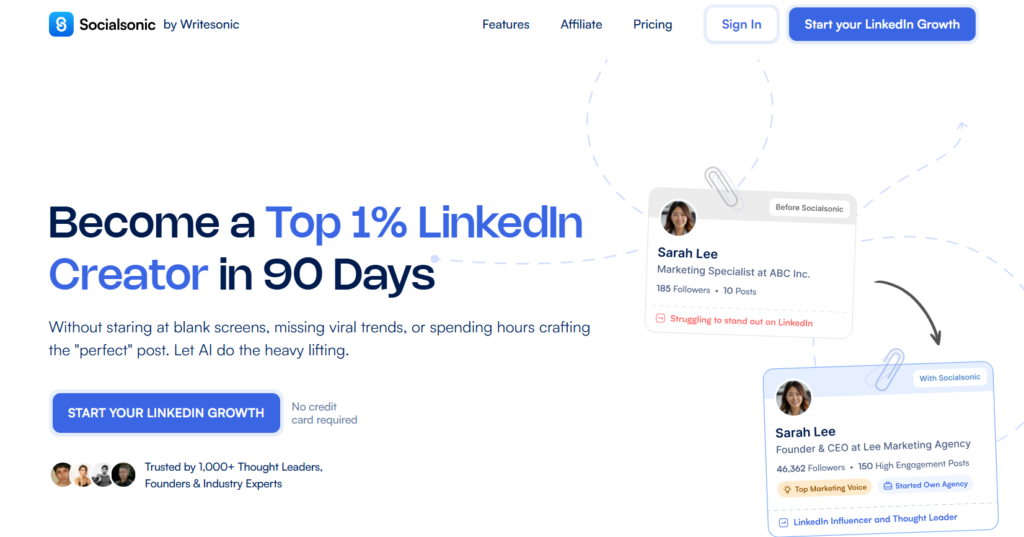
Socialsonic combines content creation with trend intelligence. The Viral Posts Alert monitors trending topics across your industry and flags them before they get oversaturated.
This isn’t just reporting what went viral last week. It analyzes engagement velocity, share patterns among influential accounts, and topic clustering to catch trends that are gaining momentum right now. You get a first-mover advantage.
The AI Content Studio works across multiple formats-posts, long-form articles, comments-using consistent voice parameters. Your brand stays aligned whether you’re writing a thought leadership piece or commenting on someone else’s post.
The smart scheduling analyzes your specific audience’s activity patterns. It tells you when your connections actually engage-which, for B2B pros, is often counterintuitive.
Best suited for: Marketers, growth teams, and creators who want to scale content without sacrificing relevance.
Key Features
- Viral Posts Alert – Real-time alerts on trending topics
- Content Ideas – Daily suggestions based on your industry
- AI Content Studio – Create posts, articles, and comments
- Smart Scheduling – Auto-posts when your audience is active
- Analytics Dashboard – Track engagement, growth, and content performance
- Engagement Autopilot – Auto-interact with target audience posts
Pros
- Functional calendar view
- Regular feature updates
- Excellent customer support
- Great for riding trends
Cons
- Limited to LinkedIn only
- It can be overwhelming for beginners
Pricing
Pro – $20/month:
- Viral posts alert system
- AI content studio
- Daily content ideas
- Smart scheduling
- Basic analytics dashboard
- 1 user account
Team Accelerator – $75/month:
- Everything in Pro
- Advanced analytics
- Engagement autopilot
- Team collaboration
- 3 user accounts
- Priority support
Agency Powerhouse – $200/month:
- Everything in Team Accelerator
- White-label options
- Client workspaces
- Advanced automation
- 10 user accounts
- Dedicated account manager
4. Blabigo- Built for creators who need structure and organization in their LinkedIn content strategy
The built-in editorial calendar helps you organize posts into different sections and categories. You can plan content themes, track what you’ve published, and see gaps in your posting schedule. This matters when you’re juggling multiple content angles or managing a long-term brand strategy.
The advanced text formatter gives you full control over LinkedIn text styling-bold, italics, and underline. LinkedIn’s native editor is limited, but Blabigo’s formatter ensures your posts look professional across desktop and mobile.
Post preview shows you exactly how the content will appear before it goes live. No surprises, no broken formatting.
The advanced metrics track performance details that help you optimize strategy over time. You can see which post types, topics, and formats drive the most engagement with your specific audience.
Best suited for: Personal brand builders and content strategists who need structure and organization.
Key Features
- Content Calendar & Categorization – Organize posts into sections and plan strategy
- Advanced Text Formatter – Apply bold, italics, and underline with precision
- Post Preview – View content exactly as it will appear before publishing
- Advanced Metrics – Track performance and optimize based on data
- Video Generation – Create videos to diversify your content mix
- Virality Insights – Tips for creating high-reach posts based on trends
Pros
- Strong organizational tools
- Built-in text formatting
- Post preview before publishing
- Video generation feature
- Focus on personal branding
Cons
- Learning curve for all features
- Pricing is not as transparent
- The feature set can feel overwhelming initially
Pricing
Custom pricing – Contact for details:
- Content calendar & categorization
- Advanced text formatter
- Post preview (desktop & mobile)
- Advanced metrics & analytics
- Video generation tools
- Virality insights
- AI post generator
- Multiple user accounts (varies by plan)
- Team collaboration features
- Priority support (higher tiers)
5. Bluecast – Specializes in turning your existing content into LinkedIn posts
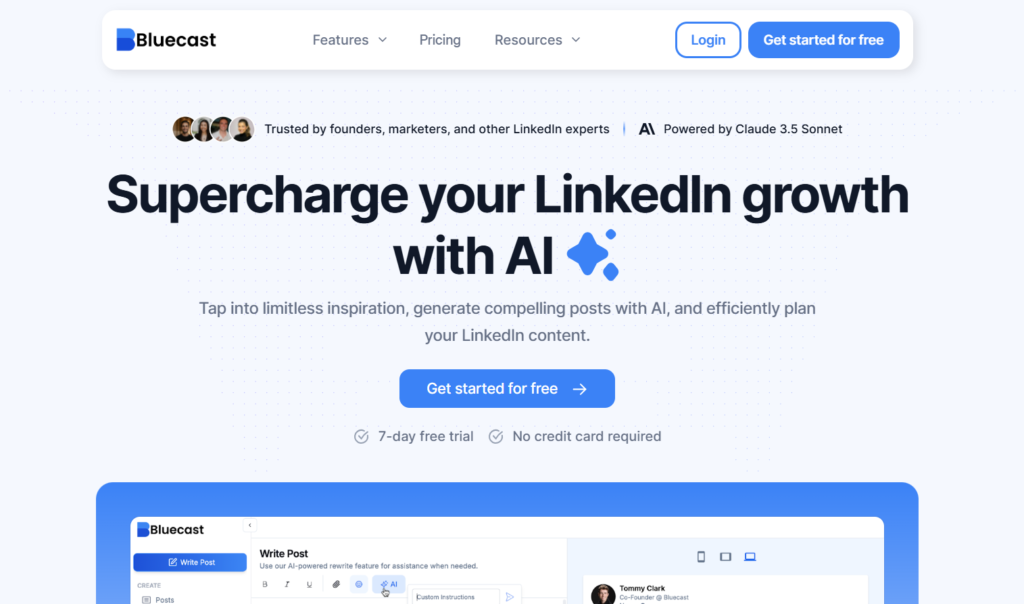
Got a YouTube video, blog article, podcast episode, or PDF report? Bluecast transforms it into LinkedIn-optimized posts and carousels. It doesn’t just pull quotes or create summaries.
It restructures content to match how people consume content on LinkedIn-breaking down complex arguments into digestible segments, reformatting data visualizations for mobile, and adapting narrative flow for social media attention spans.
The carousel creation workflow eliminates the need for Canva or Figma. Bluecast provides templates with brand customization (colors, fonts, logo placement) and an AI-assisted layout system that optimizes information hierarchy for swipeable content.
The inspiration finder shows high-performing carousels and post examples from top creators. You can identify patterns-like noticing that 5-slide educational carousels with data visualization outperform 10-slide theoretical frameworks in your sector.
Best suited for: B2B marketers and thought leaders who want to turn long-form content into LinkedIn-ready posts.
Key Features
- AI Post Generator – Turns ideas into posts quickly
- Content Repurposing – Convert videos, blogs, audio, and PDFs into posts
- Inspiration Finder – Browse high-performing posts for ideas
- Post Editor – Format with bold, line breaks, and perfect spacing
- Scheduling System – Queue weeks of content and auto-post at peak times
Pros
- Super intuitive interface
- Quick content generation
- Great for repurposing
- Maintains a consistent presence
Cons
- Limited to content creation and scheduling
- No built-in analytics yet
- Word generation limits
Pricing
Pro Plan – $29/month:
- AI post generator
- Content repurposing (YouTube, blogs, audio, PDFs)
- Carousel maker with templates
- Post editor with formatting
- Inspiration finder
- Smart scheduling system
- 50,000 words per month
- 1 user account
Growth Plan – $49/month:
- Everything in Pro Plan
- 75,000 words per month
- Priority AI processing
- Advanced carousel templates
- Team collaboration features
- 3 user accounts
- Priority support
6. AuthoredUp – Solves a specific problem: LinkedIn’s formatting is broken
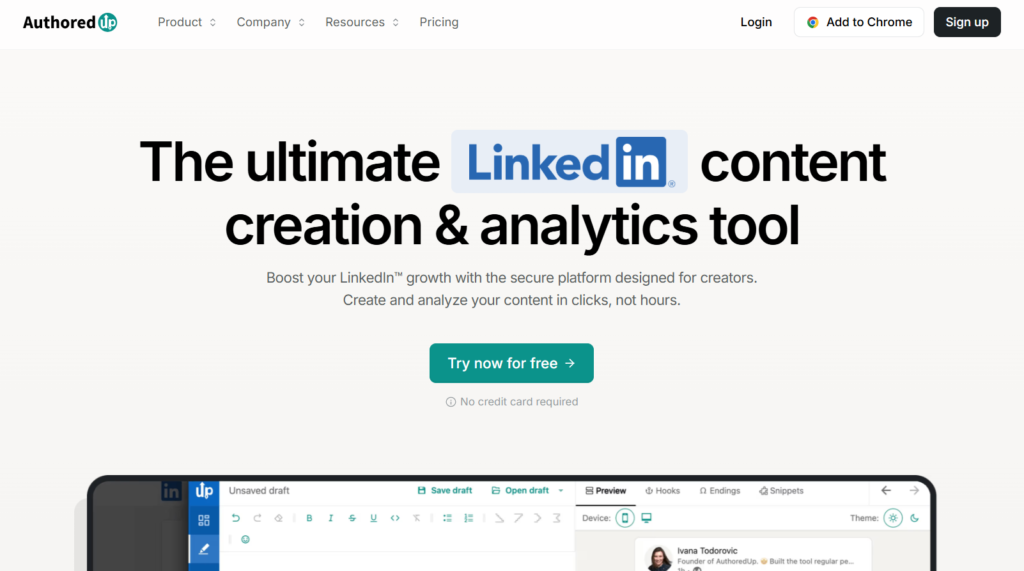
AuthoredUp fixes this with a real-time preview. You see exactly how your post looks on desktop and mobile before you publish. No more formatting surprises.
The template library has 200 hooks and 100 CTAs optimized for LinkedIn’s algorithm. These aren’t generic “Click here” prompts.
They’re tested patterns, question frameworks that drive comments, story hooks that reduce scroll abandonment, CTAs that generate profile visits without sounding pushy.
The post history feature captures everything you’ve published. You can compare performance across different formatting styles, hook types, and content lengths.
Best suited for: Thought leaders, consultants, and ghostwriters who want polished posts without relying on AI generation.
Key Features
- Post Formatting Tools – Custom spacing, line breaks, lists, emojis
- Template Library – 200 hooks and 100 CTAs ready to use
- Post Preview – See exactly how your post looks before publishing
- Content Enhancement – Better hooks, cleaner formatting
- Basic Analytics – Track performance and reuse high-performing posts
Pros
- Templates save time
- Polishes your writing instead of generating it
- Real-time preview
- Great for maintaining authenticity
Cons
- No integrations
- Can’t engage with posts directly
- Limited to text posts
Pricing
Individual – $19.95/month:
- Advanced post formatting tools
- Template library (200 hooks, 100 CTAs)
- Real-time post preview (desktop & mobile)
- Post history & analytics
- Draft management
- 1 LinkedIn pro
Business – $14.95/user per month:
- Everything in the Individual
- Team collaboration features
- 3+ LinkedIn profiles
- Bulk discount pricing
- Shared templates
- Performance tracking across profiles
7. MagicPost – Helps you skip the blank page problem
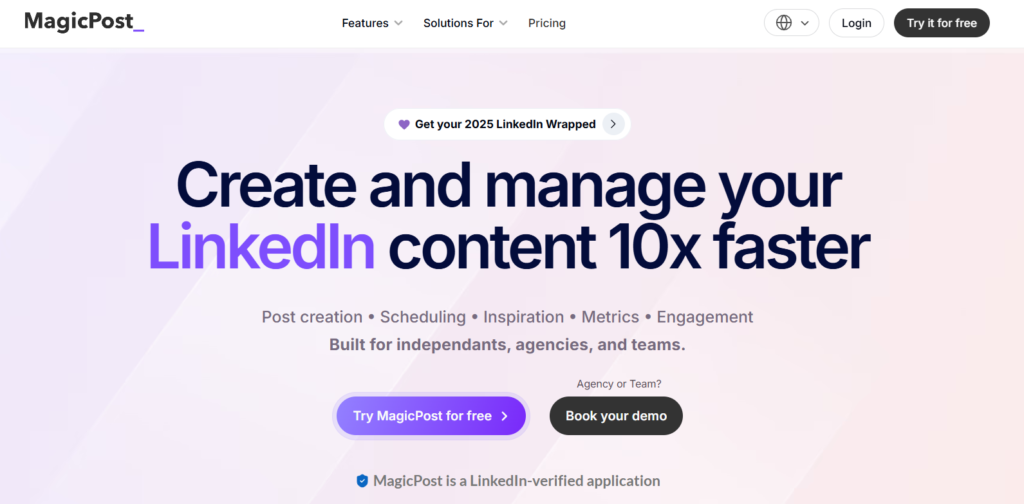
MagicPost is built for speed. You give it a topic, URL, or prompt, and it generates a complete post in seconds.
The AI is trained on high-performing LinkedIn content, so it knows what works-optimal post length, readability formatting, engagement hooks. It doesn’t waste time overthinking structure. It just produces.
Tone is a setting rather than a profile it maintains for you, so you steer each draft toward how you want it to sound instead of the tool carrying that between sessions.
The content performance optimizer gives real-time feedback while you draft. If your hook is weak, it tells you. If you’re using jargon that kills readability, flag it. You get specific suggestions before you publish.
The industry intelligence feature adjusts tone based on your field. Legal content stays formal. Marketing posts get more dynamic. Technical posts balance accessibility with credibility.
Best suited for: Solo creators, founders, and marketers who want consistency without overcomplicating their workflow.
Key Features
- AI Post Generator – Turn ideas into posts in seconds
- Content Performance Optimizer – Real-time suggestions based on what works
- One-Click Formatting – Transform text walls into readable posts
- Voice Matching – Learns your style, quirks, and personality
- Industry Intelligence – Adapts to your industry automatically
Pros
- Generates content fast
- Actually sounds like you
- Dead simple to use
- Excellent formatting tools
- Learns from your edits
Cons
- Can’t engage with other posts
- Limited customization
- No integrations
Pricing
Starter – $39/month:
- AI post generator
- Voice matching technology
- One-click formatting
- Content performance optimizer
- Industry intelligence
- 30 posts per month
- 1 user account
Creator – $59/month:
- Everything in Starter
- Unlimited post generation
- Advanced voice training
- Priority AI processing
- Post scheduling
- 1 user account
Enterprise – $109/month:
- Everything in Creator
- 5 user accounts
- Team collaboration
- Shared templates
- Analytics dashboard
- Priority support
8. EasyGen – Helps you post more often
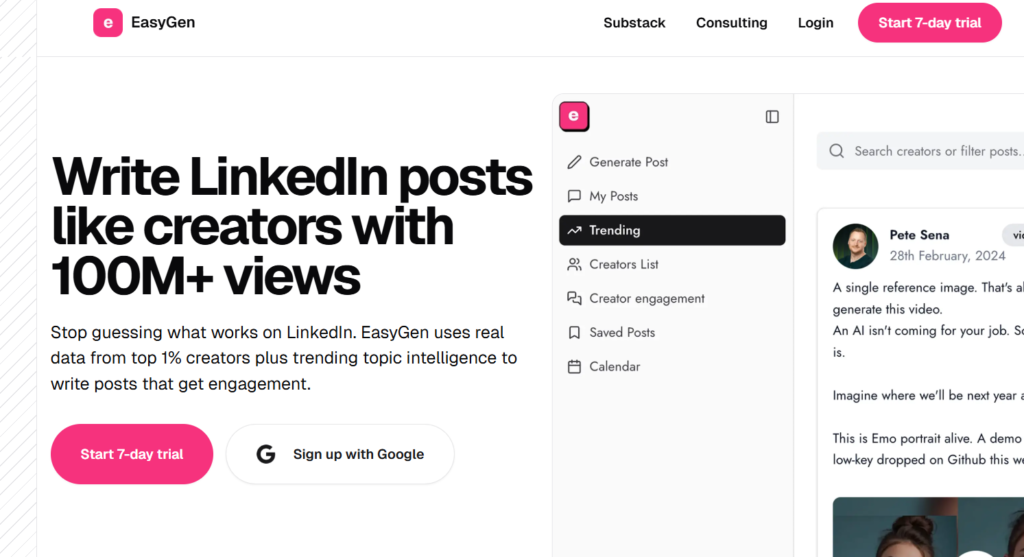
The AI is trained specifically on high-performing LinkedIn posts. It knows what works-structure, hooks, engagement triggers. You input a topic or headline, and it generates a ready-to-publish draft in seconds.
The Topic & Idea Generator pulls data from Google Trends, Reddit, Twitter, and LinkedIn to surface relevant angles and discussion points. This cross-platform intelligence helps you find content angles before they become oversaturated on LinkedIn.
Style customization lets you switch between professional, casual, and thought-leadership tones without detailed prompt engineering. Useful if you know your audience but lack copywriting experience.
The browser extension eliminates context-switching. You can create content and save drafts directly in your workflow without jumping between tabs.
Best suited for: Solo creators, consultants, and busy professionals who need volume without the time investment.
Key Features
- AI-Powered Post Generation – Trained on top LinkedIn posts
- Topic & Idea Generator – Pulls ideas from Google, Reddit, Twitter
- Style Customization – Adjust tone to match your voice
- Content Calendar & Drafts – Organize ideas and plan posts
- Browser Extension – Write and save content without switching tools
Pros
- Very fast and beginner-friendly
- Great for trend-based content
- Minimal learning curve
- Clean draft management
Cons
- Output needs manual editing
- No built-in analytics
Pricing
Single tier – Contact EasyGen for Pricing:
- AI-powered post generation
- Topic & idea generator
- Style customization
- Content calendar & drafts
- Browser extension
- Cross-platform idea aggregation
- Unlimited post creation
- 1 user account
9. Kleo – The AI Personal Branding Tool That Actually Learns Who You Are
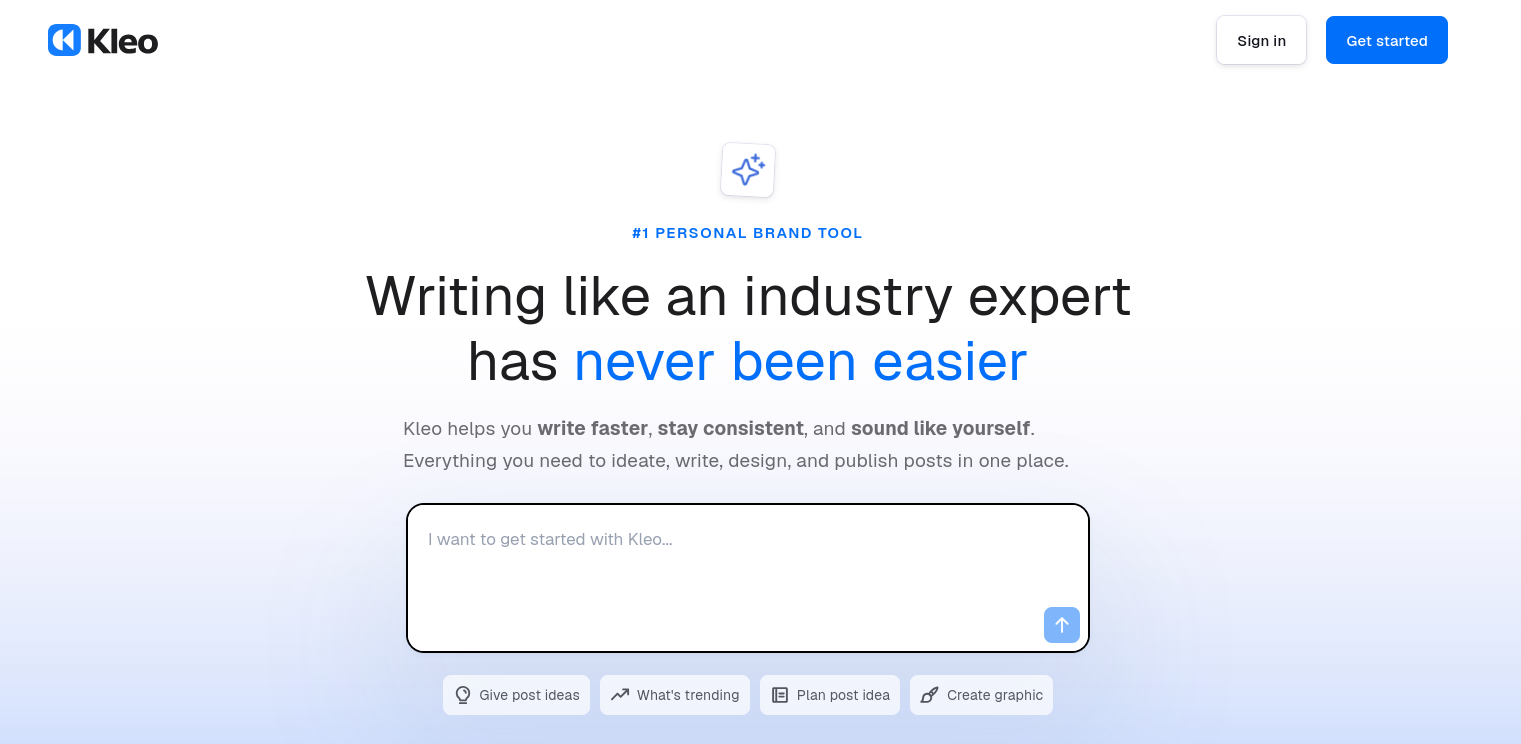
Most LinkedIn tools generate content. Kleo generates your content.
The difference matters. Kleo is built around an identity system, a knowledge base, and compounding memory that gets sharper every time you use it. You feed it your call transcripts, blog posts, podcast episodes, notes, and past content. It doesn’t just mimic a “professional tone.” It learns your specific voice, your experiences, and the way you think.
That means the output doesn’t sound like ChatGPT wearing a blazer. It sounds like something you’d actually write.
The knowledge base and writing style guide are set up once, then Kleo pulls from them every time you create. You’re not re-explaining your expertise in every prompt. The tool already knows who you are, what you care about, and how you say it.
Kleo also works across LinkedIn and X, which separates it from most tools on this list that are LinkedIn only. If you’re building a personal brand across platforms, you’re not stitching together two separate tools to do it.
The Chrome extension lets you capture ideas and save posts to your swipe file with one click, from anywhere on the web. Templates, trending topic research, image creation, and scheduling are all built in. It’s a full workflow, not a feature bolted onto a post generator.
Best suited for: Serious personal brand builders, founders, and creators who want an AI assistant that compounds over time rather than starting from zero with every prompt.
Key Features
Here’s what Kleo brings to the table:
- Identity System – Defines your professional identity so every piece of content stays aligned with who you are and what you stand for
- Knowledge Base – Stores your expertise (transcripts, notes, blog posts, podcasts) and draws from it automatically when creating content
- Compounding Memory – Learns more about you and your style with every post, getting sharper over time rather than resetting
- Writing Style Guide – Customises your content preferences and voice so output matches the way you actually write
- Swipe File and Chrome Extension – Save any post from LinkedIn or X with one click for future inspiration
- Post Writer with Image Creator – AI content generation trained on your voice, with built in image creation tailored to each post
- Post Scheduler – Plan and queue content to stay consistent without manual effort
- Trending Research – Surface what’s gaining traction so you can create timely, relevant content
- Templates – Pre built frameworks so you never start from a blank page
- Analytics – Track what’s working and refine your approach based on real data
Pros
What makes Kleo stand out:
- AI that genuinely learns your voice and improves over time
- Knowledge base means you set up once and benefit forever
- Works across LinkedIn and X, not just one platform
- Chrome extension makes capturing ideas effortless
- Built in image creator removes the need for external design tools
- Templates and swipe files eliminate the blank page problem
- Co founded by Lara Acosta (LinkedIn Top Voice, Forbes 30 Under 30)
Cons
A few things to know:
- No free trial available
- Higher price point than basic post generators (you’re paying for a full branding system, not just a content tool)
- Takes a bit of upfront setup to feed your knowledge base and style preferences
Pricing
Kleo keeps it simple with one plan:
$99/month:
- Full access to all features
- Knowledge base and identity system
- Writing style guide and compounding memory
- AI post writer with image creation
- Swipe file and Chrome extension
- Post scheduling and analytics
- Trending research and templates
- Works across LinkedIn and X
Conclusion
You’re not looking for “another LinkedIn tool.” You’re looking for safety, consistency, and a platform that helps you grow without risking your account.
The 9 alternatives above each solve different problems. But if you want one tool that covers everything, with compliance and real value, FeedBoss is the smartest move.
Plans start at $29 a month, or $278 a year if you pay annually. Every tier includes a monthly AI credit pool shared across posts, carousels, and images, so you are not billed per feature.
Pick your tool. Start posting. Show up consistently.
The people winning on LinkedIn aren’t the ones with the best tools. They’re the ones who don’t quit.
FAQs
1. What is the best Taplio alternative?
FeedBoss ranks first for most creators. It starts at $29 per month with 1,000 AI credits, and includes carousels, engagement tools, and analytics in every tier. Taplio starts at $39 per month and meters AI usage with credits.
2. How much does Taplio cost?
Taplio is $39 per month for Starter, $65 for Standard, and $199 for Pro. Every tier applies AI credit limits, and lead search plus the deeper analytics sit on the higher plans.
3. Which Taplio alternative is cheapest?
Kleo has a free tier with a paid plan at $19 per month. Supergrow also starts at $19, AuthoredUp is $19.95, and Socialsonic's entry plan is $20 per month.
4. Is there a free Taplio alternative?
Kleo offers a genuinely free plan covering core AI writing. Most other tools on this list run trials instead. FeedBoss and Supergrow both give you seven days to test everything before paying.
5. Which Taplio alternative is safest for my LinkedIn account?
Tools that connect through LinkedIn's official API carry less risk than browser extensions that read your session. Check how a tool authenticates before connecting it, and avoid anything that asks for your LinkedIn password.
6. Can I switch from Taplio without losing my content?
Yes. Export your drafts and scheduled posts before you cancel, since those live in Taplio rather than on LinkedIn. Your published post history stays on your LinkedIn profile either way.
7. Which Taplio alternative is best for repurposing existing content?
Bluecast is built for it. It turns a YouTube video, blog article, podcast episode, or PDF into LinkedIn posts and carousels rather than just pulling quotes. Its Pro plan is $29 per month.
8. Do I need a separate carousel tool?
Usually not. FeedBoss includes a carousel maker in every plan and Bluecast generates carousels from existing content. A dedicated design tool only makes sense if you need fine layout control.
9. Which Taplio alternative is best for a team?
Socialsonic runs Team Accelerator at $75 per month and Agency Powerhouse at $200. FeedBoss Studio is $149 per month. AuthoredUp Business is $14.95 per user per month if your team only needs formatting.