The right Chrome extension can change how much you get done on LinkedIn in an hour. The wrong one just adds clutter to your browser.
LinkedIn Chrome extensions in 2026 cover a wide range of jobs: content writing, engagement, email finding, lead exporting, and blocking distractions.
This guide covers the eight best, ranked by what they actually do. Find the ones that match your workflow and skip the rest.
Key Takeaways
- The best LinkedIn Chrome extensions serve a specific purpose and are chosen based on your workflow
- FeedBoss is the most complete LinkedIn platform for content and growth, reducing the number of extensions you need
- Extensions that automate LinkedIn actions carry account risk and should be used carefully
- Content and preview extensions are safe to use every day with no risk to your account
- Keep your extension list short. Too many running at once will slow your browser down
What to Look for in a LinkedIn Chrome Extension
Start by identifying the part of your workflow that costs you the most time. Then pick one extension that fixes it. Here is what matters most when choosing:
- Fit for your use case: An email finder is useless to a content creator. A post formatter is useless to a prospector. Match the tool to the job
- Account safety: Extensions that send messages or connection requests on your behalf carry risk. Extensions that only help you write or preview carry none
- Browser performance: Background extensions slow your browser. Keep your list lean
- Works inside LinkedIn: The best extensions run directly inside the LinkedIn interface so you never have to leave the platform
- Privacy: Some extensions collect your browsing data. Check the permissions before installing anything
1. FeedBoss
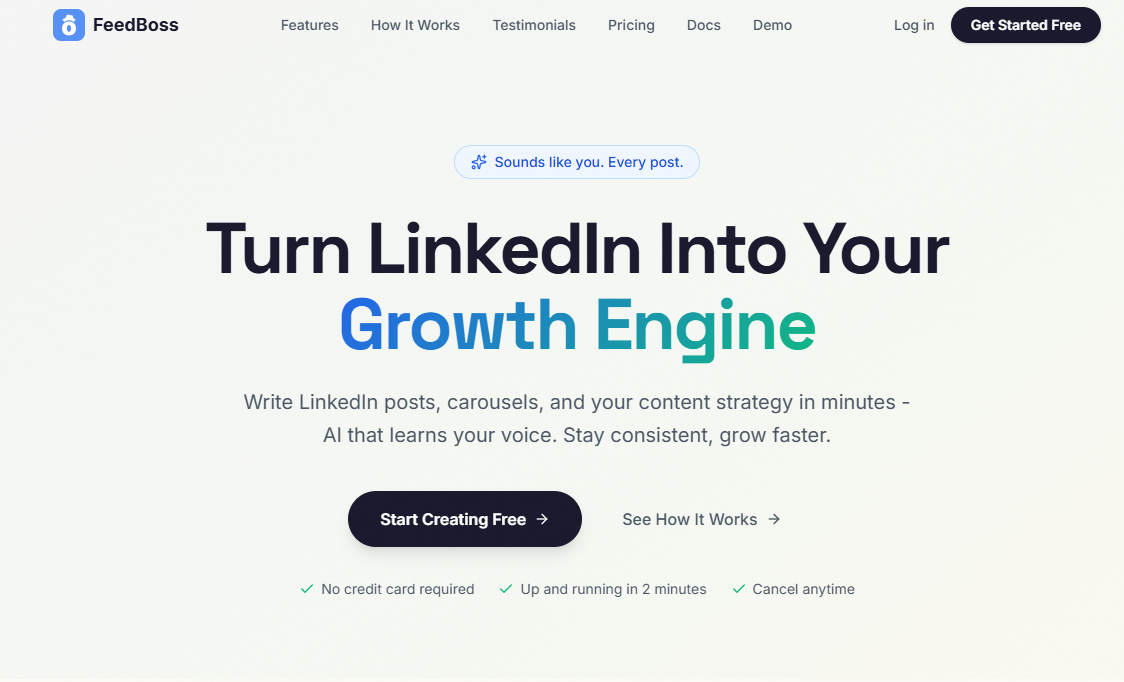
FeedBoss is the most complete LinkedIn platform available in 2026. It handles content creation, scheduling, engagement, and organization all in one place. Most Chrome extensions fix one small problem. FeedBoss removes the need for several of them by covering the full content workflow from start to finish.
The post generator turns rough ideas into LinkedIn-ready posts fast. The ideas engine gives you fresh content angles based on your niche. The engagement tool writes thoughtful, specific comments so you can show up in conversations across your network without spending an hour on it.
The content calendar keeps your posting schedule organized. The content store saves ideas the moment they come to you so they do not disappear before you have time to write them up. Everything works together in one platform so your LinkedIn workflow stays in one place rather than spread across five different tools.
If you want a single tool that takes care of the most important parts of your LinkedIn presence, FeedBoss is where to start. It cuts the tool sprawl and keeps things simple.
Key Features
- AI Post Generator: Turns a rough idea into a LinkedIn-ready post with strong hooks and clean formatting
- Ideas Engine: Delivers fresh content angles based on your niche so you always have something useful to post
- Authentic Engagement Tool: Writes specific, relevant comments for posts in your network to help you build visibility
- Content Calendar: Shows your full publishing schedule so you can plan ahead and stay consistent
- Write with AI: Lets you build and refine longer posts through back-and-forth prompts
- Content Store: Captures and organizes ideas and drafts so nothing gets lost
Pricing
FeedBoss starts at $29 per month. A free trial is available with no credit card needed.
2. AuthoredUp
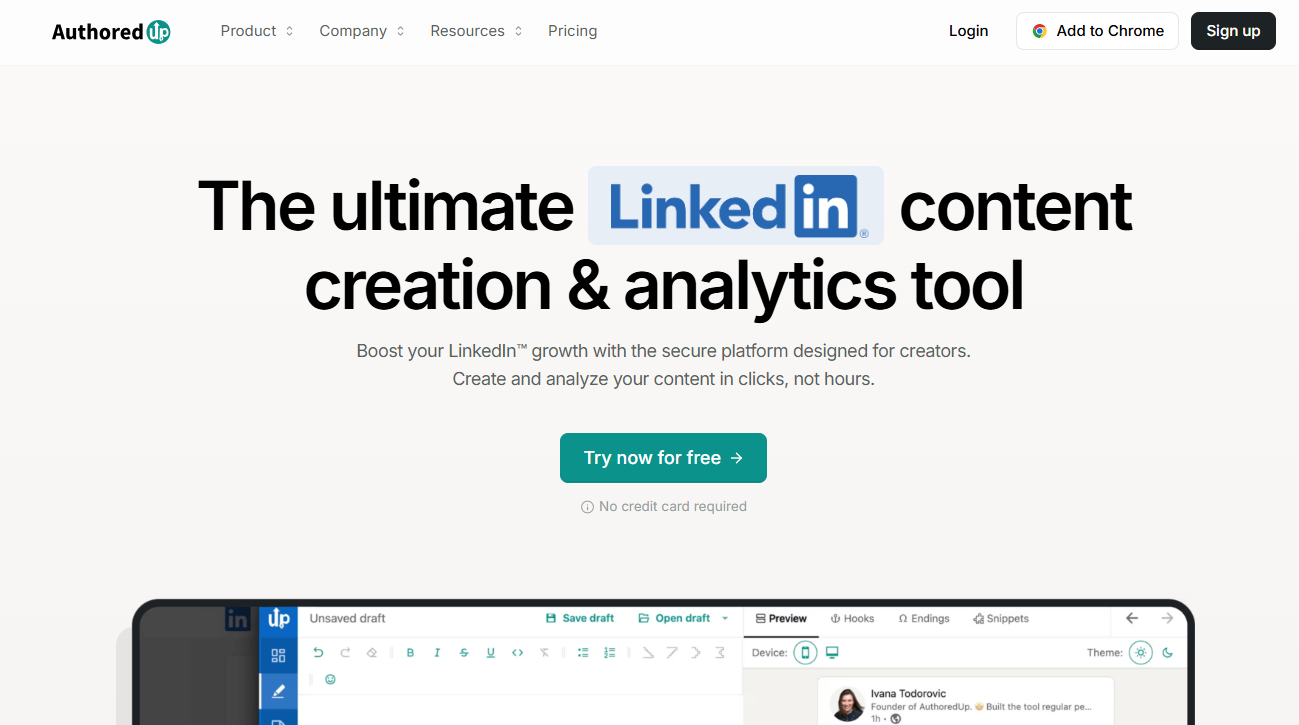
AuthoredUp is a Chrome extension built specifically for LinkedIn post creation. It adds formatting, preview, and readability tools directly into the LinkedIn post editor.
The preview feature shows exactly how your post will look on mobile and desktop before you publish. It also shows where the "see more" cut-off falls so you can make sure your hook is visible without any clicking required.
The text formatting tools add bold, italic, and underline options that LinkedIn's native editor does not support. The readability score shows how easy your post is to read for a mobile audience.
AuthoredUp also saves your full post history with individual performance data, giving you more analytics than LinkedIn shows by default.
Key Features
- Post Preview: Shows how your post looks on mobile and desktop before publishing
- Text Formatting: Adds bold, italic, and underline styling inside LinkedIn's editor
- Readability Score: Rates how easy your post is to read on mobile
- Post History: Keeps a full archive of your posts with individual performance stats
- Draft Saving: Stores unfinished posts so you can come back to them later
Pricing
AuthoredUp has a free plan. Paid plans start at $14 per month.
3. Engage AI
Engage AI is a comment generation extension for LinkedIn. It reads a post and writes a relevant, thoughtful comment based on the tone you choose.
Options include adding value, asking a question, sharing a view, celebrating a win, or respectfully disagreeing. The extension runs inside your LinkedIn feed so you never have to switch tabs.
For sales professionals, the main use case is warming up target accounts. A decision-maker who has seen your name in their comments several times is much more likely to accept your connection request.
Key Features
- AI Comment Generator: Writes post-specific comments based on the engagement style you select
- Multiple Tone Options: Choose from adding value, questioning, agreeing, disagreeing, or celebrating
- Runs Inside LinkedIn: No tab switching needed. Works directly in the feed
- DM Reply Help: Helps craft replies to keep LinkedIn conversations going
- Multi-Language Support: Generates comments in multiple languages
Pricing
Engage AI has a free plan. Paid plans start at around $13 per month.
4. Evaboot
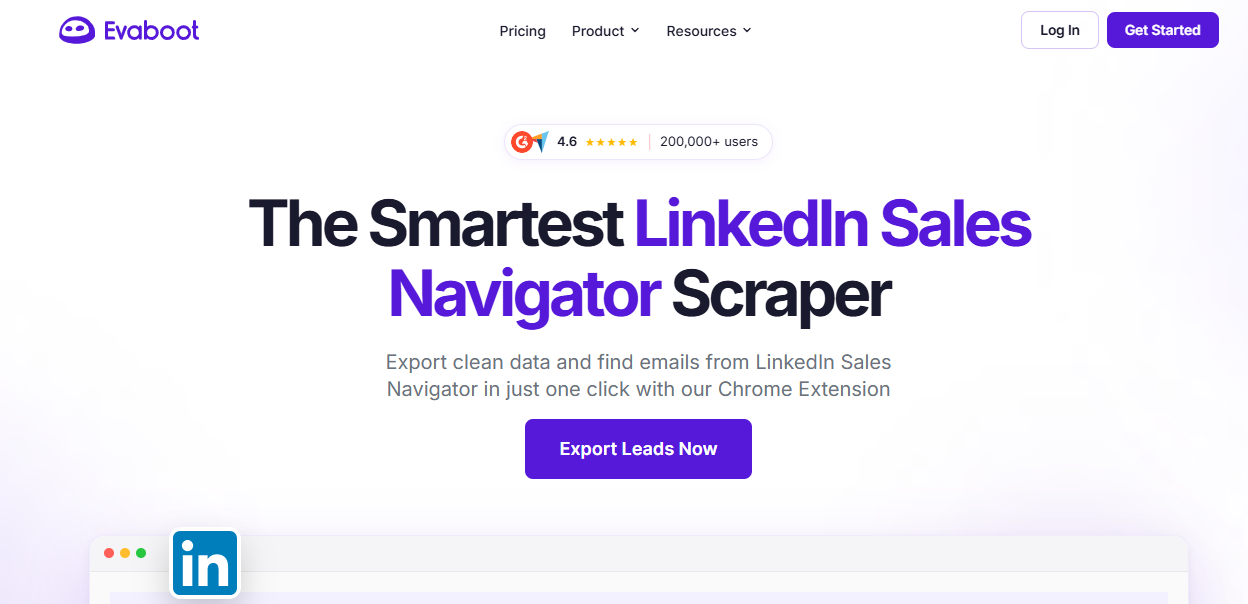
Evaboot is a Chrome extension for extracting lead data from LinkedIn Sales Navigator. It pulls search results into a clean CSV file in one click.
It also cleans the data during export, removing duplicates, fixing formatting errors, and flagging leads that are likely to produce email bounces. An email finder runs during the export so you get contact details without needing a separate tool.
Key Features
- One-Click Export: Pulls Sales Navigator search results into a CSV instantly
- Automatic Data Cleaning: Removes duplicates and fixes formatting issues on export
- Email Finder: Adds email addresses to exported leads during the process
- Bounce Risk Flagging: Marks leads with a high chance of email bounce before you export
- Export History: Tracks and manages all previous exports in one place
Pricing
Evaboot starts at $29 per month. LinkedIn Sales Navigator is required.
5. Hunter.io
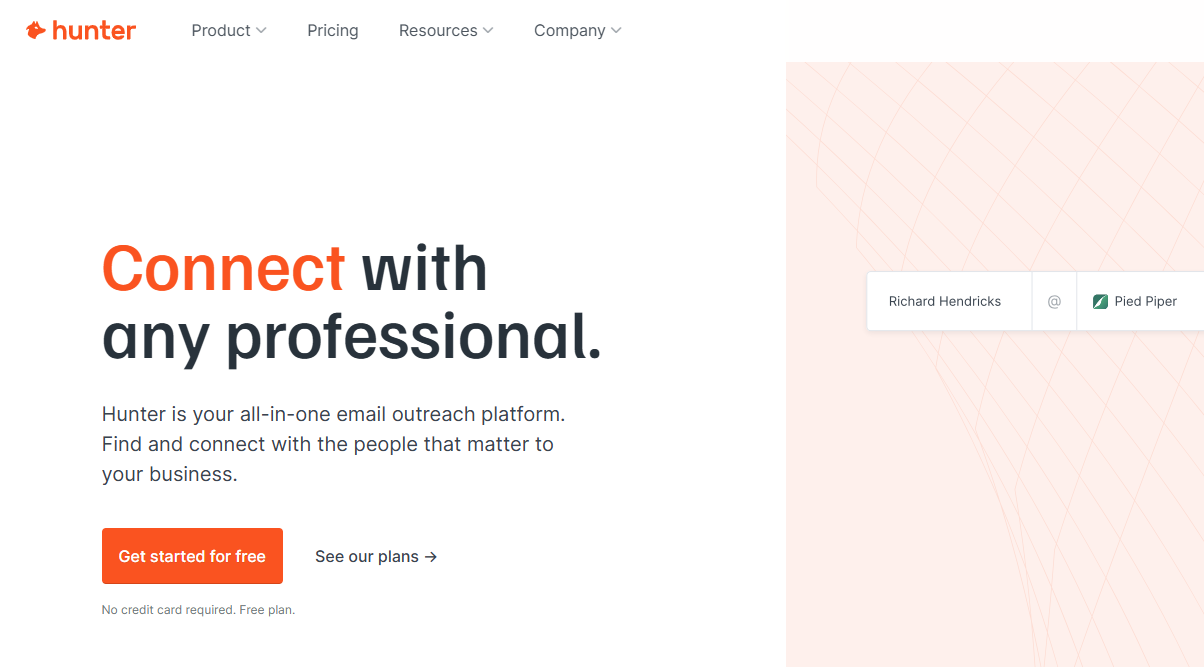
Hunter.io finds email addresses and shows them directly on LinkedIn profile pages. When you visit a profile, Hunter looks up the email connected to that person's company domain and displays it without you needing to go anywhere else.
Each result includes a confidence score, so you know how reliable the address is. The built-in email verification tool checks whether the address is deliverable before you use it in a campaign.
Key Features
- In-Profile Email Lookup: Finds and shows email addresses directly on LinkedIn profiles
- Confidence Scoring: Rates how accurate each found email address is
- Email Verification: Checks if an address will deliver before you send to it
- Domain Search: Finds all emails linked to a company domain
- API Access: Connects Hunter data into your existing workflows programmatically
Pricing
Hunter.io has a free plan with 25 searches per month. Paid plans start at $34 per month.
6. Breakcold
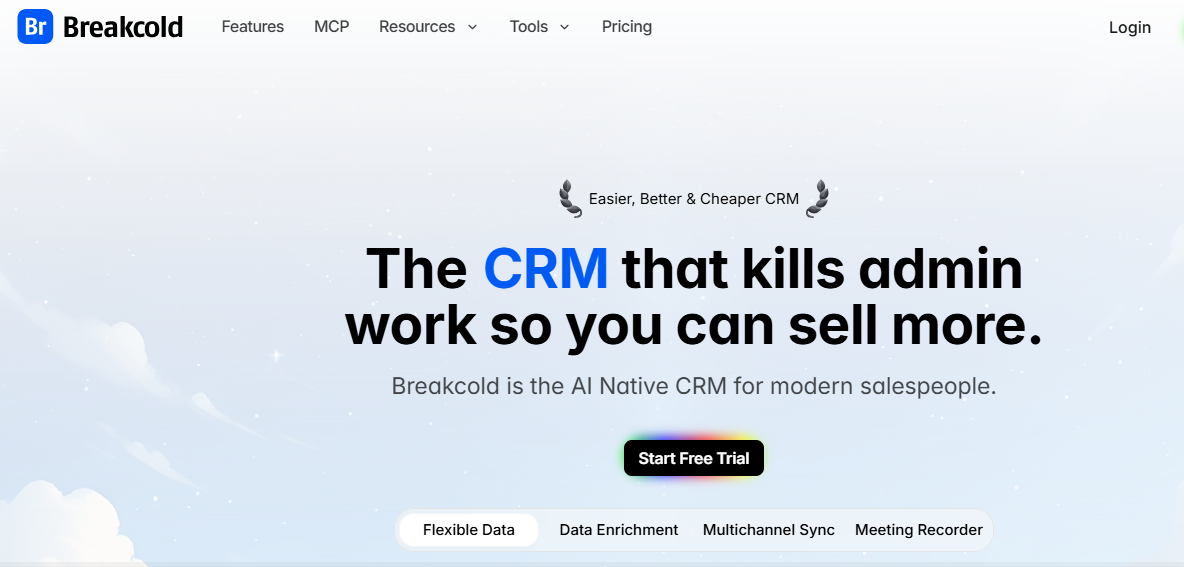
Breakcold is a social selling CRM with a Chrome extension that pulls LinkedIn posts from your tracked prospects into one organized feed. You can like, comment, and send messages from that feed without opening each profile separately.
Every interaction is logged automatically in the CRM as part of that relationship's history. For sales professionals who build warm relationships before reaching out directly, Breakcold makes that process fast enough to do at scale.
Key Features
- Prospect Post Feed: Pulls LinkedIn posts from your tracked contacts into one view
- One-Click Engagement: Likes, comments, and messages directly from the feed with automatic CRM logging
- Relationship Timeline: Tracks every interaction with each contact in a single history
- Multi-Channel Support: Works across LinkedIn, Twitter, and email
- Pipeline Organization: Sorts prospects by stage, industry, or custom tags
Pricing
Breakcold starts at $29 per month. A free plan is available.
7. News Feed Eradicator
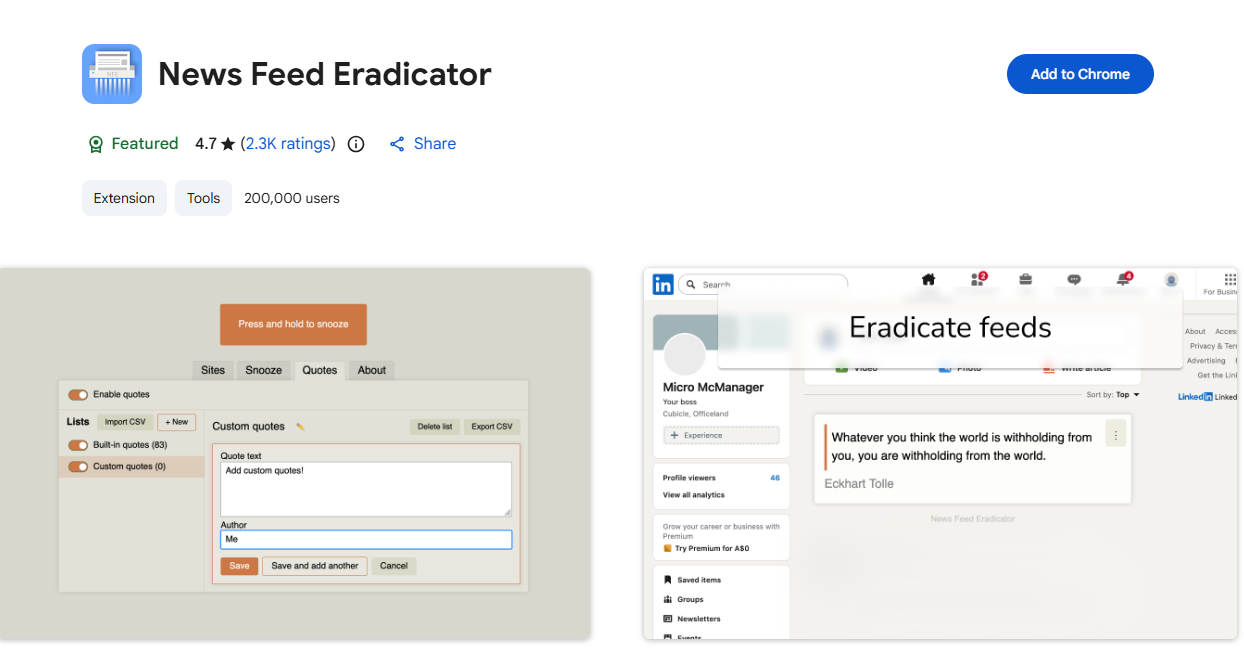
News Feed Eradicator removes the LinkedIn homepage feed entirely. It replaces it with a blank page or a quote. LinkedIn's feed is built to keep you scrolling.
It is easy to open the platform with a clear goal and close it twenty minutes later having done nothing useful.
With the feed gone, you can still access messages, notifications, search, and publishing tools. You just cannot get pulled into passive scrolling.
Key Features
- Feed Removal: Eliminates the LinkedIn homepage feed on install
- Multi-Platform Support: Works across LinkedIn, YouTube, Twitter, and Facebook
- Customizable Replacement: Swap the feed for a quote or a blank page
- No Data Collection: Requires no account and collects nothing from your browser
- Toggle Option: Restore the feed temporarily when you actually want to browse
Pricing
Free.
8. Dux-Soup
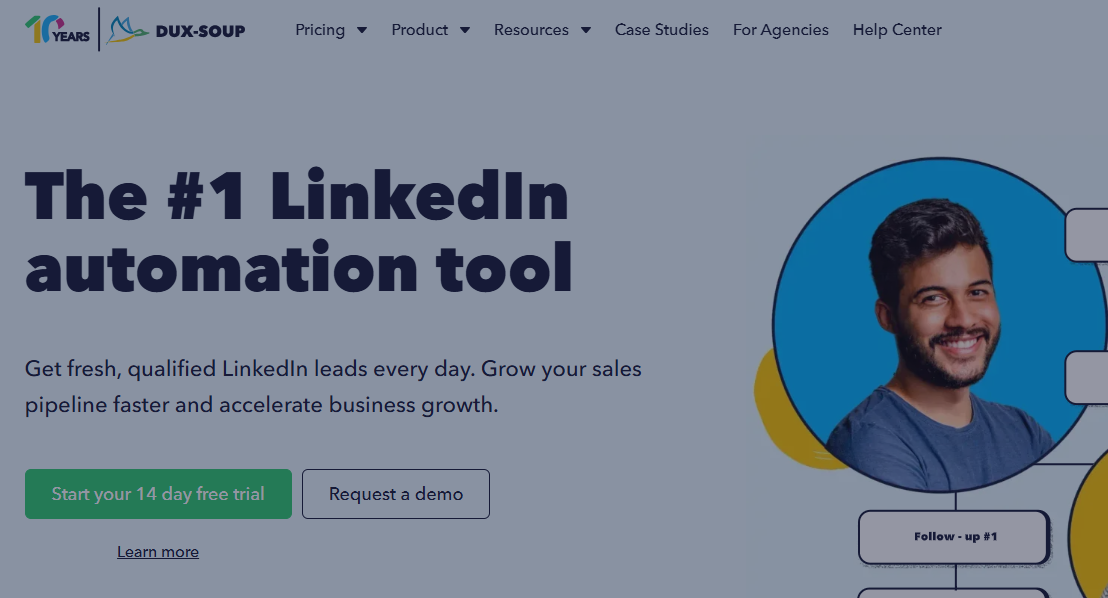
Dux-Soup is a LinkedIn automation extension that handles connection requests, follow-up messages, profile visits, and skill endorsements automatically.
You set your target audience using LinkedIn search filters, write your message templates, and Dux-Soup runs the campaign while you focus on other things.
It is one of the most accessible automation tools on the market and works well at conservative daily volumes. If outreach automation is the part you are shopping for, our roundup of the best LinkedIn automation tools compares 11 of them on safety and pricing.
Key Features
- Automated Outreach: Sends connection requests, messages, and profile visits automatically
- Personalization Fields: Inserts name, company, and other details into every message
- Campaign Analytics: Tracks connection acceptance and reply rates per campaign
- HubSpot and Zapier Integration: Sends leads into your CRM or automation stack
- Tag-Based Organization: Organizes and filters leads inside the tool using custom tags
Pricing
Dux-Soup has a free plan with limited features. Paid plans start at $11.25 per month.
Conclusion
The best LinkedIn Chrome extension setup removes specific friction points in your workflow. It does not try to fix everything at once. For content creation and growth, FeedBoss is the most complete platform available. It reduces the number of separate tools you need and keeps your workflow in one place.
Pair it with AuthoredUp for post formatting and preview, Evaboot and Hunter for lead data, and Engage AI for relationship building. FeedBoss is the core of a strong LinkedIn setup in 2026 because it handles what matters most: helping you create and publish content that builds a real audience consistently.
Once your extensions are sorted, round out your stack with our guides to the best LinkedIn marketing tools and the best LinkedIn analytics tools.
An extension helps at the edges. This is the workspace behind the posting.
Start growing freeNo credit card required.
Frequently Asked Questions
What is the best Chrome extension for LinkedIn in 2026?
For content creation and growth, FeedBoss is the most complete platform. For post formatting and preview, AuthoredUp is the most popular standalone extension. The right choice depends on what part of your workflow you need to fix.
Are LinkedIn Chrome extensions safe to use?
Content, preview, and analytics extensions are safe. Extensions that automate actions like sending connection requests or messages carry account risk, especially at high volumes.
Do LinkedIn Chrome extensions slow down the browser?
Some do, particularly those running in the background at all times. Keep your active extension list short to avoid noticeable slowdowns.
Can I use multiple LinkedIn Chrome extensions at the same time?
Yes, most are compatible with each other. Avoid running two automation extensions at once. They can create conflicting activity patterns that increase account risk.
Is it worth paying for a LinkedIn Chrome extension?
For tools that solve a real bottleneck in your workflow, yes. Free tools like AuthoredUp's basic plan and News Feed Eradicator deliver real value at no cost. Paid tools are worth it when the time saved or leads generated justify the price.