Picking an AI image generator for social media used to come down to one question: which one makes the prettiest picture. In 2026 that is the easy part. The models are all good now. The real question is which tool gets you from a prompt to a finished, on-brand post you can actually publish, without garbled text, off-brand colors, or four other apps in between.
I tested the nine tools below against the jobs social creators and marketers do every week: a quote card with readable text, a branded infographic, a carousel, a hero image for a post. Some are brilliant generators that stop the moment the image is made. One is built for the whole job, from idea to scheduled post.
FeedBoss Image Studio is first because it closes the gap the others leave open. The rest are ranked by how well they serve a social workflow specifically, not by raw art quality alone. Pricing is in USD and accurate as of 2026.
What to Look For in an AI Image Generator for Social Media
Raw image quality is table stakes now. For social content, these are the things that actually decide which tool saves you time:
- Readable text in the image. Most models still mangle words. For quote cards, ads, and thumbnails, legible text is non-negotiable.
- On-brand by default. Can it hold your colors, fonts, and logo across every image, or do you fix that by hand each time?
- The right sizes. Square for the feed, 9:16 for stories and reels, landscape for banners, without cropping.
- Editing without starting over. Changing one element should not mean regenerating the whole image.
- A path to publish. The biggest hidden cost is the gap between "image done" and "post live." A tool that posts and schedules saves the most time.
- Commercial safety. If it is for a client or a brand, the license has to allow commercial use.
Quick Comparison: The 9 Best AI Image Generators for Social Media
| Tool | Best for | Free tier | Starts at (2026) | Text in images | Brand kit |
|---|---|---|---|---|---|
| FeedBoss Image Studio | Posts, infographics, carousels you publish | Yes | Free + paid plans | Strong | Yes |
| Midjourney | Artistic, cinematic visuals | No | $10/mo | Weak | No |
| ChatGPT (GPT Image) | Quick graphics with text | Yes | $20/mo (Plus) | Strong | No |
| Google Gemini (Nano Banana) | Fast, free iteration | Yes | $19.99/mo (Pro) | Good | No |
| Adobe Firefly | Commercially safe brand work | Limited | $9.99/mo | Fair | Partial |
| Canva Magic Media | All-in-one design plus AI | Yes | $15/mo (Pro) | Fair | Partial |
| Ideogram | Text-heavy graphics and posters | Yes | ~$8/mo | Best | Partial |
| Leonardo AI | Trained, repeatable styles | Yes | $12/mo | Fair | Yes |
| Flux | Photorealism, low-cost editing | No | Pay as you go | Good | No |
Key Takeaways
- FeedBoss Image Studio turns one prompt into an on-brand image, infographic, or carousel, then posts and schedules it in the same place.
- Midjourney still wins on pure artistic quality, but stumbles on text and has no brand or publishing workflow.
- Ideogram is the leader for readable text in images, with ChatGPT a close second.
- Google Gemini (Nano Banana) has the most generous free tier; Adobe Firefly is the safest for commercial use.
- Canva is the easiest all-rounder; Leonardo and Flux suit power users who want control or photorealism.
1. FeedBoss Image Studio
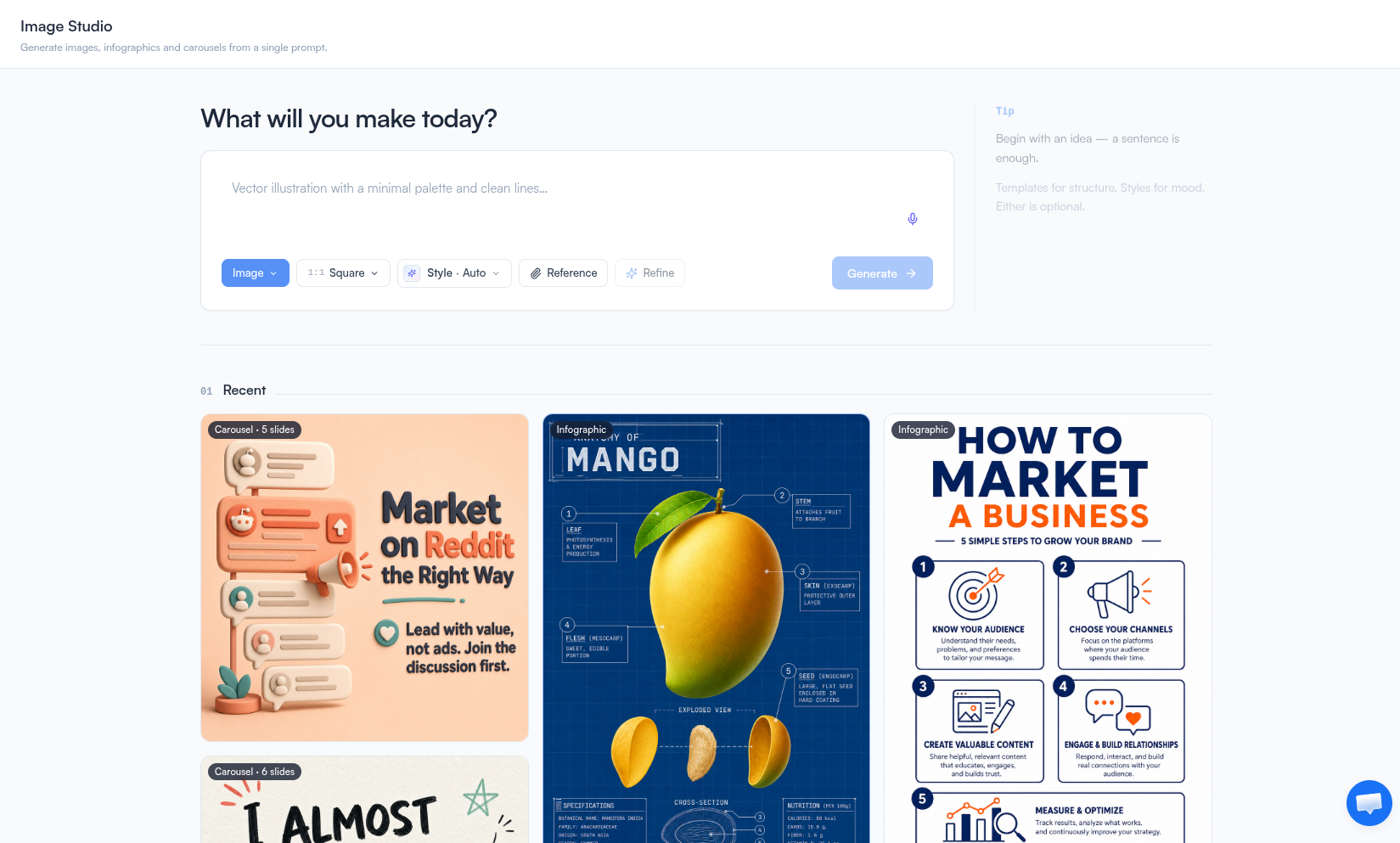
FeedBoss is the only tool here built around the thing you do after the image is made: post it. You describe what you want, and Image Studio generates a single image, a data infographic, or a full carousel from the same prompt. You pick the format, it handles the rest.
Two things make it a social tool and not just a generator. It runs on the same class of frontier models that power ChatGPT and Gemini image, so quality and text rendering hold up against anything on this list. And the moment an image is ready, you attach it to a post and schedule it on your content calendar, with no exporting and reuploading. That whole loop, generate to published, lives in one place.
Everything You Can Do in Image Studio
Create
- Generate an image, a data infographic, or a full carousel from a single prompt.
- Start from a ready-made template, apply a one-click style, or write your own prompt and hit Refine to turn a rough brief into a finished one.
- Ground infographics and carousels in your own Knowledge Base so the facts and numbers are yours, not invented.
Brand
- Drop in your logo and brand kit, your colors, fonts, and handle, so every output comes back on-brand.
- Add style and subject references to lock a look, or render a specific product, person, or logo faithfully.
- Export at social-native sizes, from the LinkedIn and Instagram feed to Stories, Reels, banners, and 4K.
Edit, without starting over
- Click any element to remove it, or add, replace, and swap objects in place.
- Change the background, lighting, or weather without touching the subject.
- Edit or even translate the text inside the image while the layout stays intact.
- Restyle in one click, or open the AI image editor to remove an element, swap a background, or fix the text inside the image.
Publish
- Every generation saves to a Recent gallery you can reopen, branch from, or download.
- Export a carousel to PDF for a LinkedIn document post, or send any result straight to a post and schedule it.
Who it is for
Creators, marketers, and agencies who ship social visuals every week and want to publish them, not just download them. Start free, no credit card.
2. Midjourney
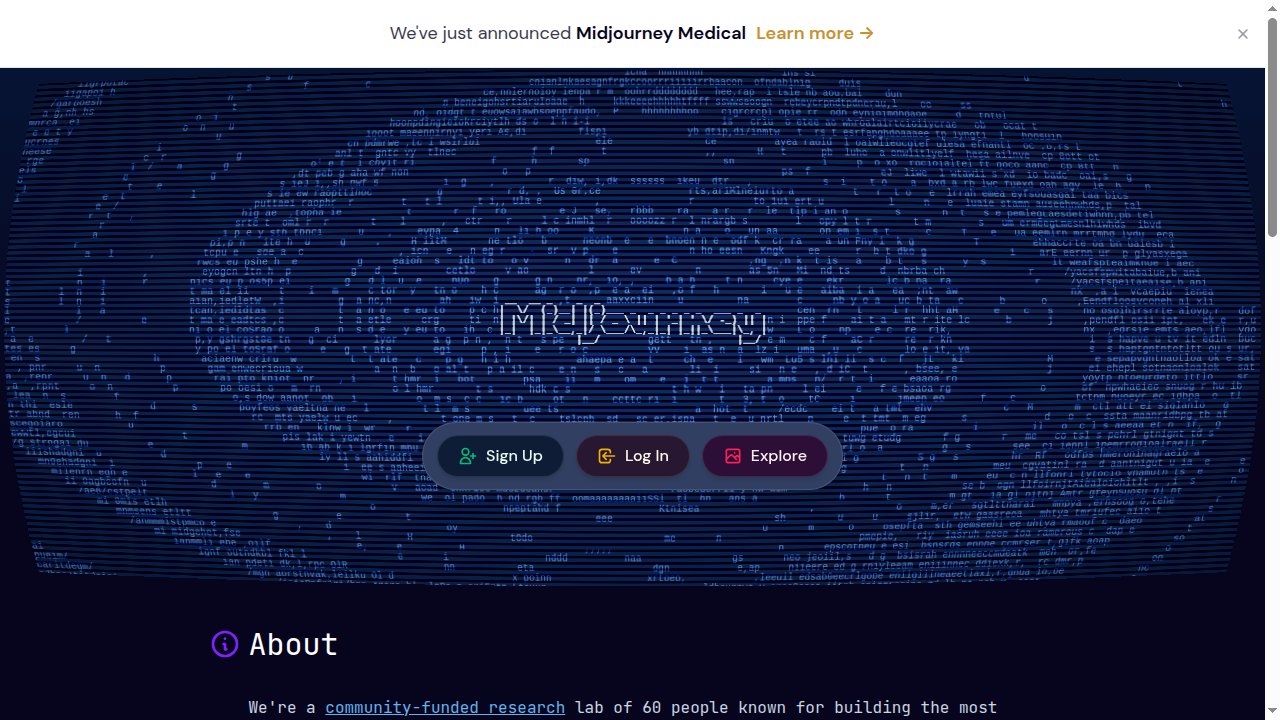
Midjourney is still the quality benchmark for artistic, cinematic images. The 2026 version is faster and renders sharper at higher resolution, and character references keep a subject consistent across a series. If you want a striking illustration or a concept-grade visual, nothing here beats it on pure aesthetics.
The trade-offs are practical ones for social. Text inside images is its long-standing weak spot, paid plans start at $10/mo with no free tier, the pricing runs on GPU hours that take a minute to learn, and there is no brand kit, no social sizing, and no way to schedule what you make.
Best for: artists and brands chasing a distinct, high-end look, who handle posting elsewhere.
3. ChatGPT (GPT Image)
If you already live in ChatGPT, its image model is a genuinely strong generalist, especially for readable text and following instructions literally. You can describe a graphic in plain language and refine it in the same conversation. Free users get limited generations, and Plus at $20/mo raises the ceiling.
The catch for social teams is the workflow. Outputs can look a little too clean, there is no brand kit or social-size preset, and there is no publishing step. You copy the image out and post it somewhere else.
Best for: quick, one-off graphics with text, made inside a chat you already use.
4. Google Gemini (Nano Banana)
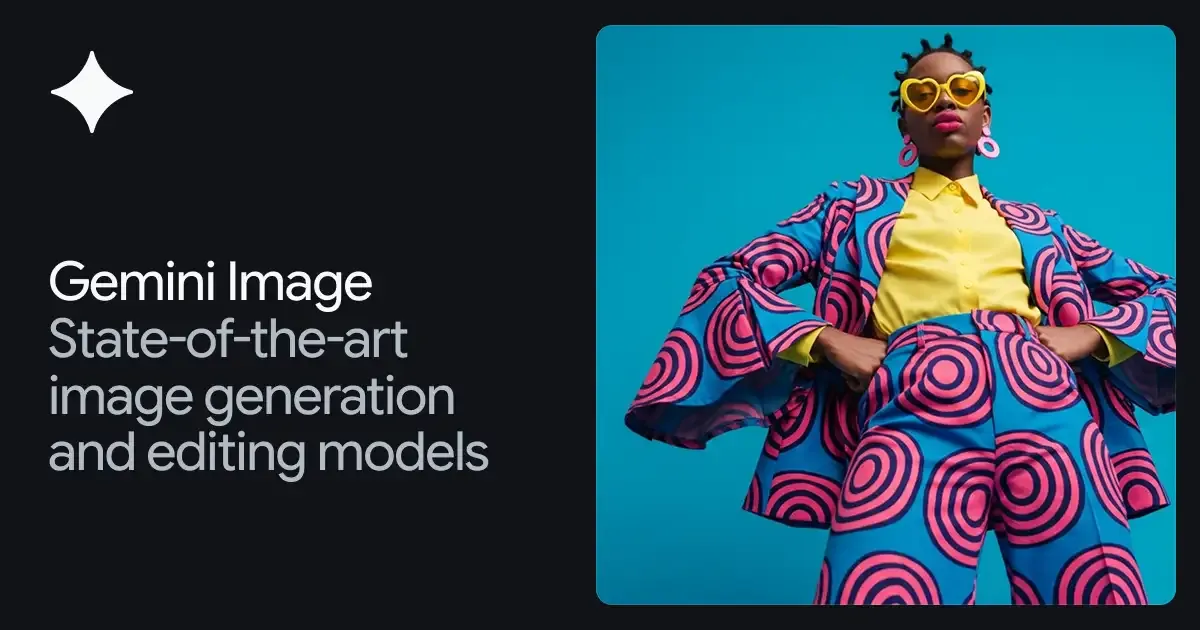
Google's image model, nicknamed Nano Banana, is fast, high quality, and backed by the most generous free tier on this list, around 20 images a day in the Gemini app, though free images carry a watermark. Paid Gemini plans (AI Pro at $19.99/mo) lift the limits and remove the watermark. It also draws on real-world knowledge, which helps with prompts about real places, products, or events.
What it lacks is design structure. There is no brand kit, no social presets, and no scheduling, so it is a generator rather than a content tool.
Best for: fast, low-cost iteration when you just need good images quickly.
5. Adobe Firefly
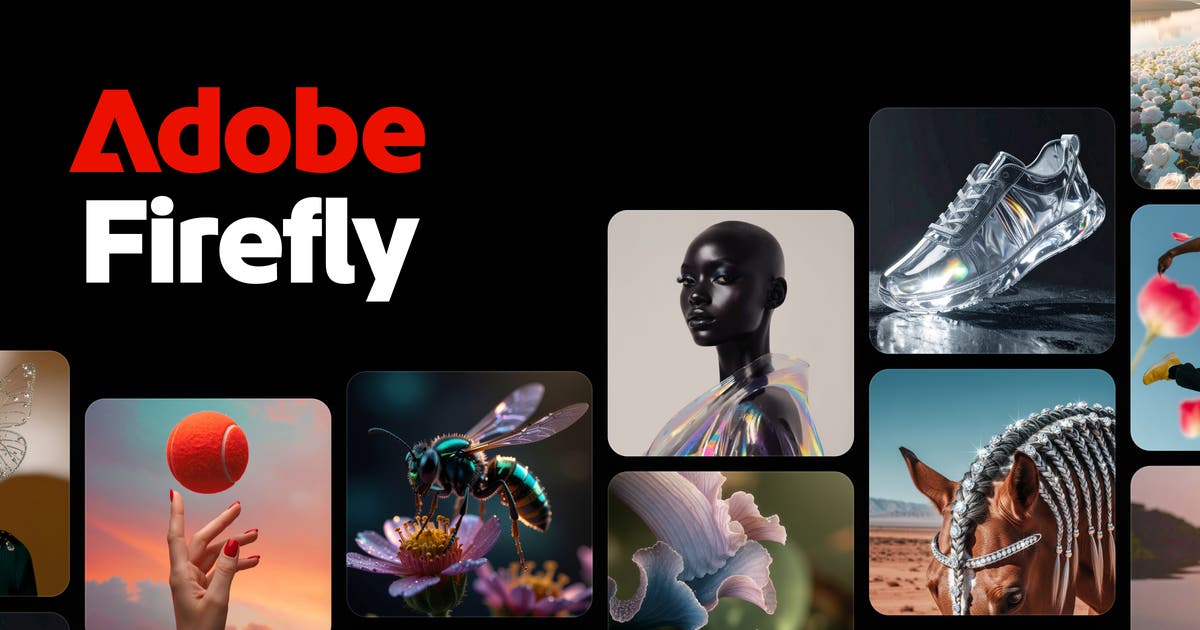
Firefly's whole pitch is commercial safety. It is trained on licensed and public-domain content, and paid plans come with IP indemnification, meaning Adobe will back you if someone claims your output infringes. Plans start at $9.99/mo, and it plugs straight into Photoshop and Express for serious editing.
For social specifically it is less exciting. Text rendering trails Ideogram and GPT Image, it really shines inside Creative Cloud rather than on its own, and there is no built-in posting.
Best for: brands and enterprises that need legally defensible images.
6. Canva Magic Media
Canva folds AI image generation into the easiest all-in-one design tool around, with a huge template library and social formats built in. Its Dream Lab model and Style Transfer let you match a reference look, and you can lay type over an image and even schedule posts without leaving Canva. The free plan includes a handful of generations, and Pro is $15/mo.
The weak point is the AI image quality itself, which is fine rather than best-in-class, and the AI credits run out faster than you expect.
Best for: teams that want design, AI, and scheduling together in one familiar place.
7. Ideogram
Ideogram, now on version 4.0, is the specialist that cracked the hardest problem in this space: legible text inside an image. For posters, quote cards, ads, and logos where the words have to be crisp, it is the most reliable pick, and a style reference keeps a series consistent. There is a limited free tier, with generations made public, and paid plans from around $8/mo.
It is less photorealistic than Gemini or Flux, has no real brand kit beyond style references, and offers no publishing workflow.
Best for: text-heavy social graphics, typography, and anything where the words matter most.
8. Leonardo AI
Leonardo is the control-first choice. Beyond standard generation, you can train a custom model on your own images so the output stays in your style, and its consistent-character tools keep a person or mascot recognizable across a set. A free tier gives you daily tokens, and paid plans start at $12/mo.
The token system takes some getting used to, the learning curve is steeper than a chat box, and there is no social scheduling built in.
Best for: brands that want a trained, repeatable visual identity across a lot of images.
9. Flux
Flux, from Black Forest Labs, is the photorealism and editing engine, popular with developers and power users. The FLUX.2 family pushes sharp, realistic output and strong in-place editing, and because the weights are open, it is cheap and self-hostable, billed pay as you go at roughly $0.03 per standard image.
The trade-off is access. There is no polished consumer app of its own, so you reach it through third-party interfaces, and there is no brand kit, social sizing, or scheduling.
Best for: developers and tinkerers who want top photorealism at low cost.
Which AI Image Generator for Social Media Should You Choose?
Start with what you are actually making, and where it needs to end up.
- Finished, on-brand social content you plan to publish - images, infographics, or carousels you then post and schedule - FeedBoss Image Studio, because generation, editing, branding, and scheduling live in one place.
- Pure artistic quality: Midjourney.
- Readable text in an image: Ideogram, with ChatGPT a close second.
- The best free tier: Google Gemini (Nano Banana).
- Commercial safety: Adobe Firefly.
- All-in-one design plus AI: Canva.
- A trained, repeatable brand style: Leonardo.
- Photorealism on a budget: Flux.
Most of these offer a free tier or trial, so test one on your next post before committing, and browse these LinkedIn post ideas if you need something to make. If your images are headed for LinkedIn or any feed, the tool that gets you from prompt to published in one place is the one that will save you the most time. You can try FeedBoss Image Studio free and see the full workflow, or browse FeedBoss pricing first.
Frequently Asked Questions
1. What is the best AI image generator for social media in 2026?
It depends on the job. For raw artistic quality, Midjourney leads. For readable text inside an image, Ideogram and ChatGPT (GPT Image) are strongest. For a complete social workflow, generating an on-brand image, infographic, or carousel and then posting or scheduling it, FeedBoss Image Studio is the most direct, because it runs on the same class of models as ChatGPT and Gemini but lives inside a publishing tool.
2. Which AI image generator is best for text inside images?
Ideogram is the long-standing leader for accurate, readable text in generated images, which makes it strong for posters, quote cards, and logos. ChatGPT (GPT Image) is also reliable for text and instruction following. Midjourney still struggles most with legible text, so it is the weakest pick when words need to be sharp.
3. What is the best free AI image generator?
Google Gemini (Nano Banana) has the most generous free tier in the Gemini app, though free images carry a watermark. Canva, ChatGPT, Ideogram, and Leonardo all offer limited free generations too. FeedBoss includes Image Studio in its plans and lets you start free.
4. Can I use AI-generated images commercially on social media?
Generally yes on paid plans, but the terms vary. Adobe Firefly is the most cautious choice because it is trained on licensed and public-domain content and offers IP indemnification on paid plans. Always check the license of the specific tool, since free tiers sometimes restrict commercial use or hold rights to your output.
5. Which AI image generator keeps my brand consistent?
FeedBoss applies your logo plus style and subject references so every image, infographic, and carousel comes back on-brand. Leonardo lets you train a custom model on your own imagery, and Adobe Firefly and Canva offer brand and style controls. Pure generators like Midjourney and Flux have no built-in brand kit.
6. Is FeedBoss affiliated with Midjourney, OpenAI, Google, Adobe, or any tool listed here?
No. FeedBoss is an independent product and is not affiliated with, endorsed by, or sponsored by any other tool in this comparison. All product names and trademarks belong to their respective owners and are used here only to compare products.
FeedBoss is an independent product and is not affiliated with, endorsed by, or sponsored by Midjourney, OpenAI, Google, Adobe, Canva, Ideogram, Leonardo, or Black Forest Labs. All product names and trademarks are the property of their respective owners and are referenced here for comparison only. Pricing and features are accurate as of 2026 and may change.